Documentation for the practice
From the conversation to the summary. And the codes.
ICD-10-GM and EBM from the catalog.
Summary
From the conversation
Codes
ICD-10-GM and EBM
Workflow
How it works.
From the conversation to the summary and the codes.
No patient data in the database
ICD-10-GM and EBM catalog
Review clinically
DE / EN interface
Live or pasted text
Export PDF and TXT
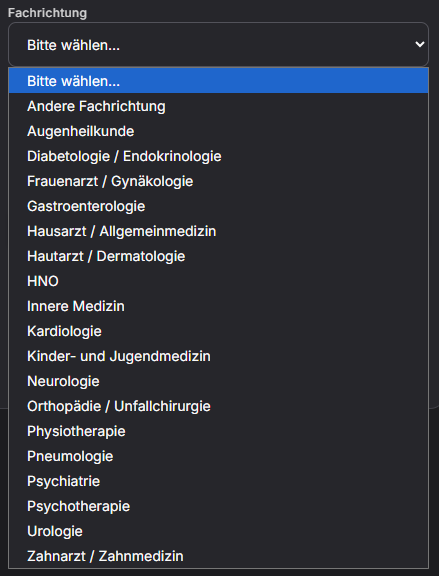
Specialties
For medical practice.
The specialty is set on the account. Capture, note, codes, and export stay the same.
Internal medicine
Cardiology
Gynaecology
Paediatrics
Further specialties
Entry
Record live or paste text.
Both paths lead to the note, the codes, and the export.
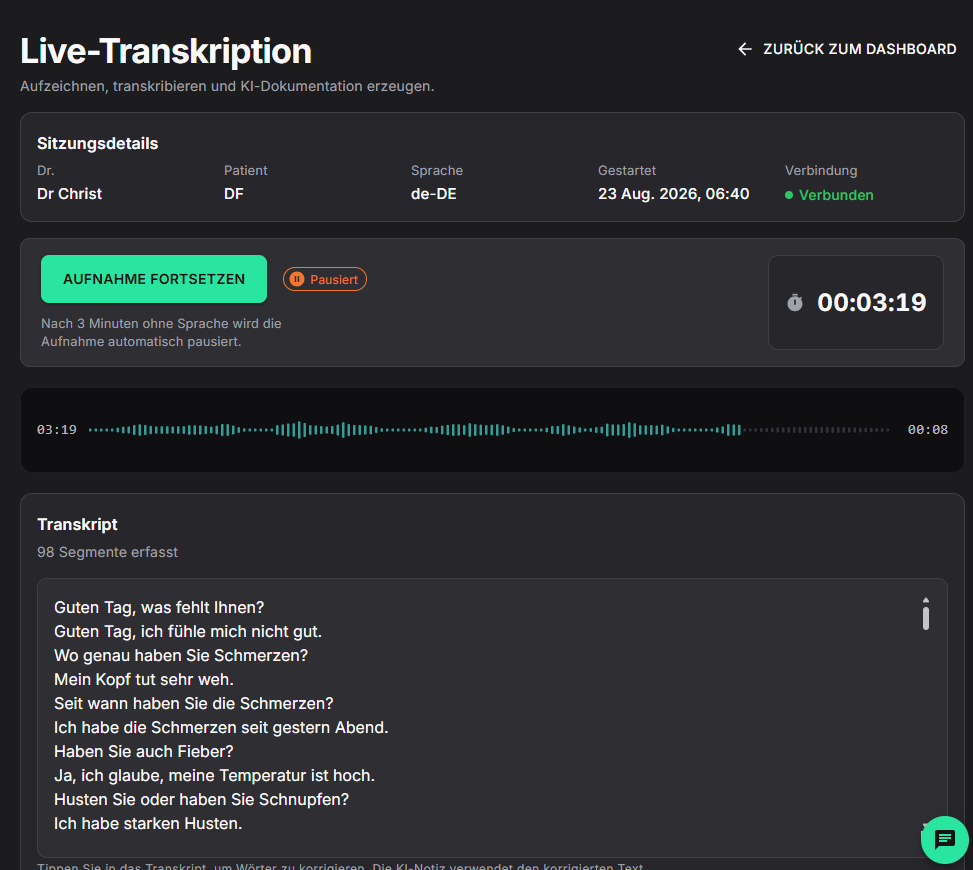
Real-time recording. The transcript appears during the consultation.
Paste an existing transcript.
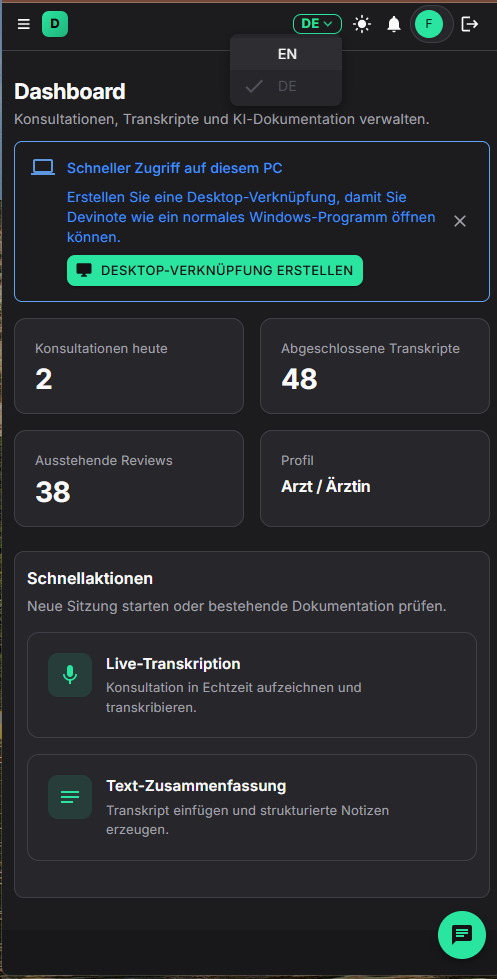
Dashboard: start a session or open documentation.
Languages
Session language.
Interface: German or English. Speech recognition: German, English, Arabic, Turkish.
German
English
Arabic
Turkish
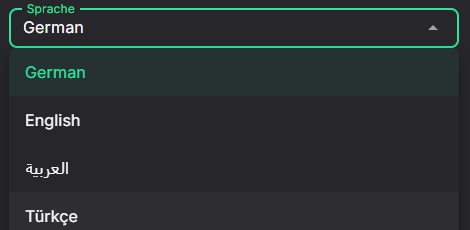
Independent of the interface language.
History
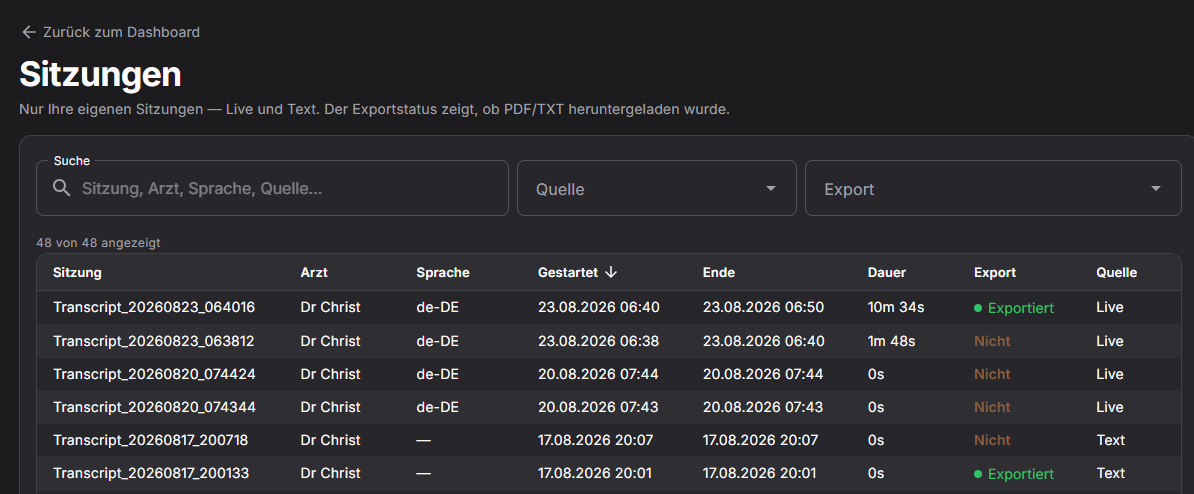
History without clinical text.
The list shows your sessions and export status.
- Name, clinician, time, language, source
- No patient name, no transcript
- Export status for PDF and TXT
AI note
A note for review.
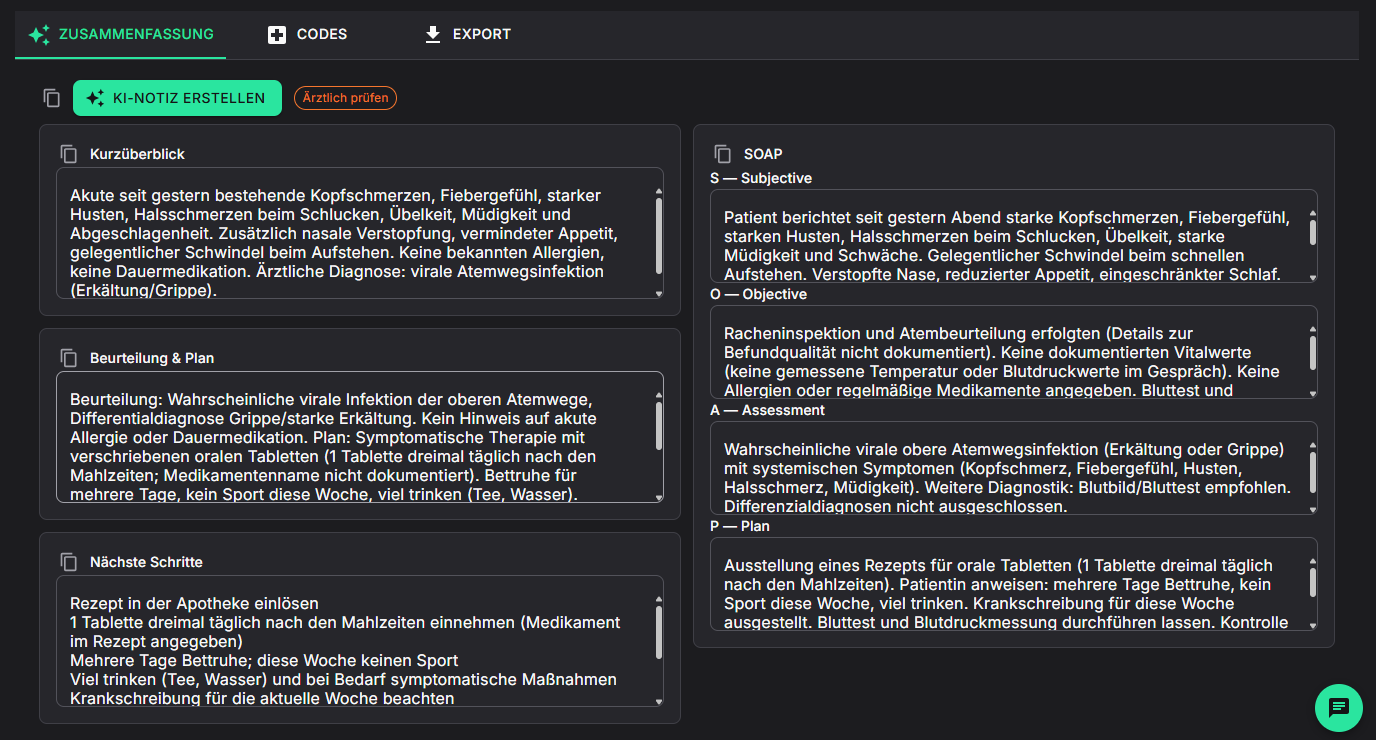
Overview, assessment and plan, next steps, SOAP. Only content from the consultation.
Fixed structure
The same sections after every visit.
Approved by you
The draft can be edited before export.
Workflow
From recording to export.
Four steps in the product.
Transcribe live or paste a transcript.
Overview, plan, next steps, SOAP.
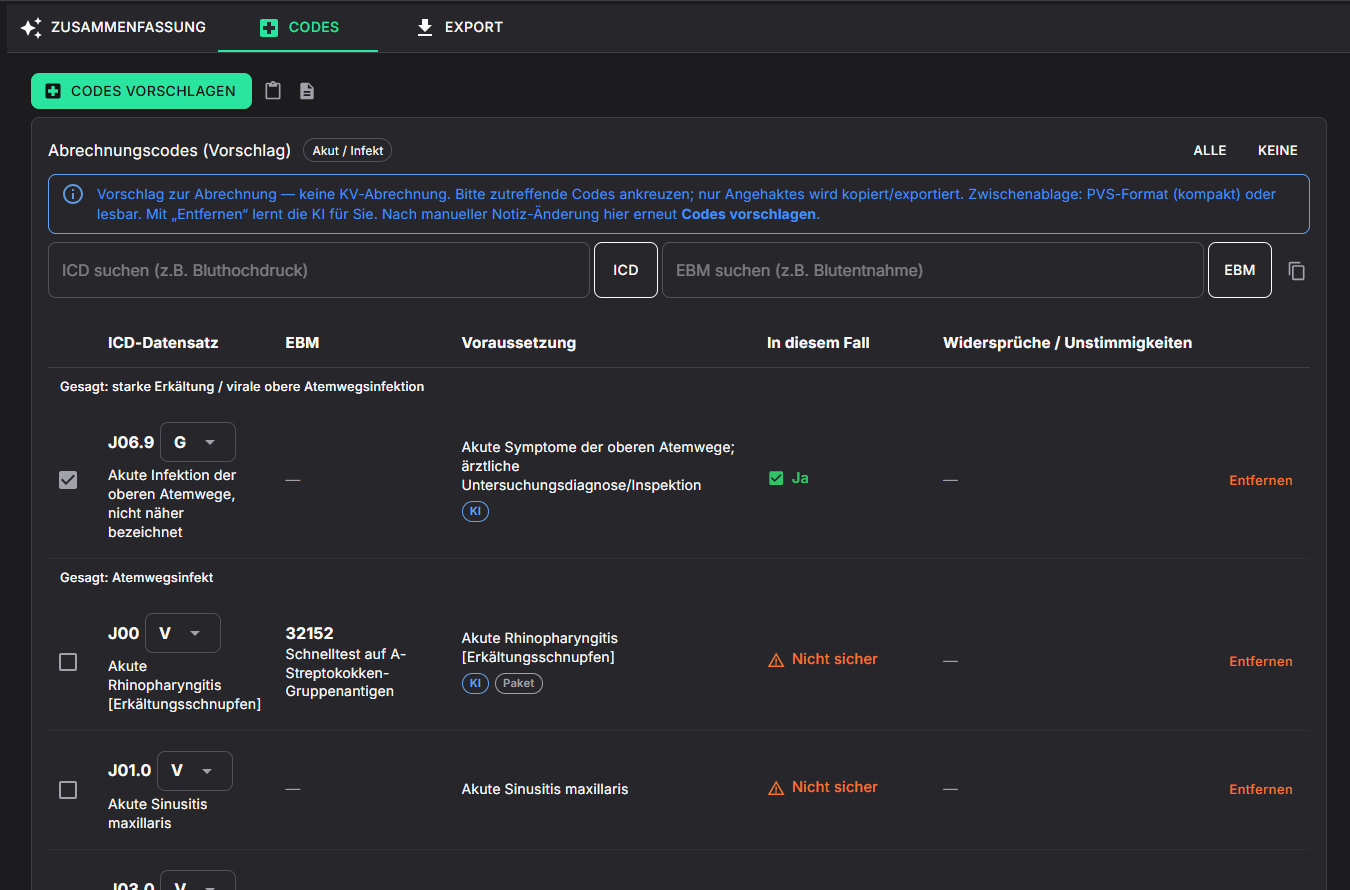
ICD-10-GM and EBM from the catalog.
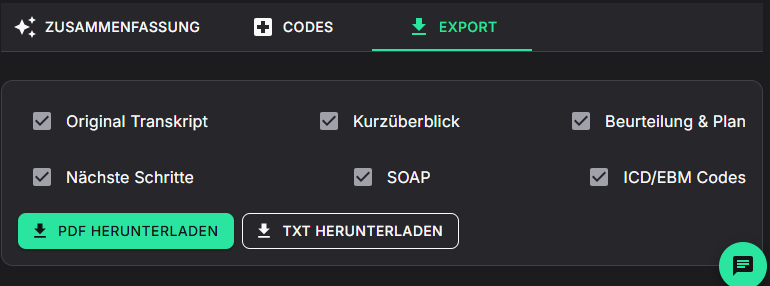
Select what applies, then download PDF or TXT.
Coding
Suggestions from the catalog.
Matches in ICD-10-GM and EBM. Only checked items are exported. Not statutory billing.
- Search ICD and EBM yourself
- Removed suggestions are stored for the account
- Verify in the practice system
Support
Help in the app.
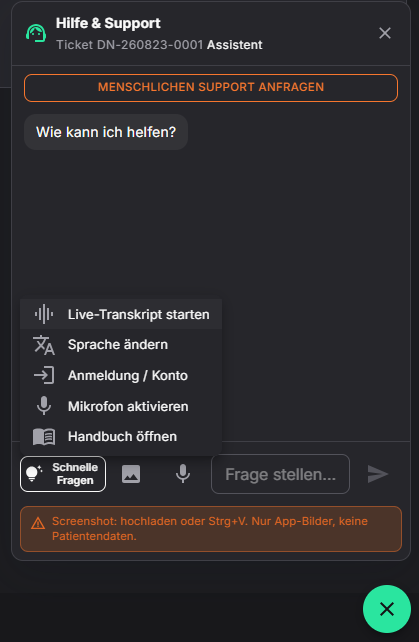
Product questions in chat. Handover to support on request. App screenshots only.
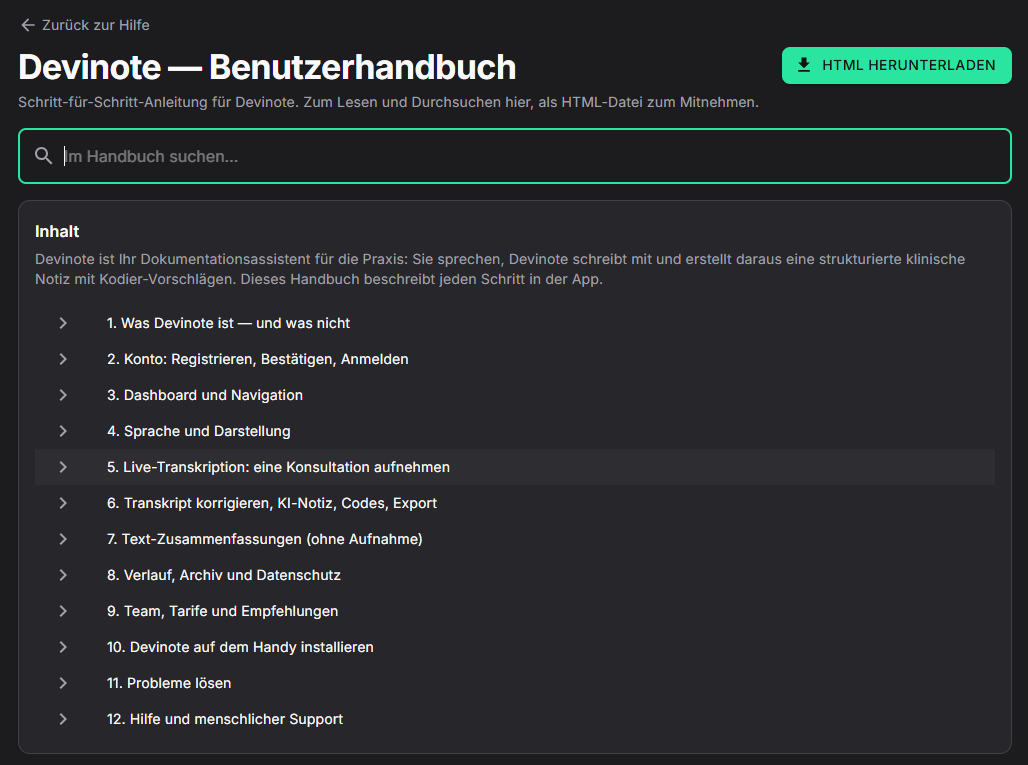
- Product questions and the handbook
- Request support from the same window
- App screenshots only
Transcript
Paste an existing transcript.
The same note, codes, and export as live recording.
Paste
Bring in text from another system.
Documentation
AI note, catalog codes, PDF and TXT.
History
Source Text. Export marks the session.
Practice team
Invite colleagues.
Licence owners invite by email and assign a seat. History stays personal.
Invite by email
Add a seat and send the invitation from Team.
Seats
Bronze 1, Silver 3, Gold 10. The same features.
Archive for owners
Team metadata and export status, without clinical text.
Data and the record
No clinical text in the database.
Details are in the privacy policy.
No permanent storage
Transcript and AI note are not stored permanently. The live transcript stays in the browser.
Session data only
Name, clinician, time, language, source. No patient name, no clinical text.
Export
PDF or TXT for the practice system.
Install
Devinote on the device.
A shortcut on the desktop or the home screen.
Chrome or Edge
Use Create desktop shortcut in the menu or on the dashboard, then confirm in the browser dialog.
Install app
Tap Install app or Add to Home screen in Chrome.
Share → Home Screen
Safari: Share, then Add to Home Screen.
Plans
Trial first, then the seats.
The trial includes the core features. Prices are shown after registration under Plans.
Trial
Core features included
- ICD-10-GM and EBM suggestions from the catalog
- Export as PDF and TXT
Bronze
1 seat
The same features. The difference is the number of seats.
Silver
3 seats
Invite colleagues by email
Gold
10 seats
Invite colleagues by email
Prices after registration under Plans.